
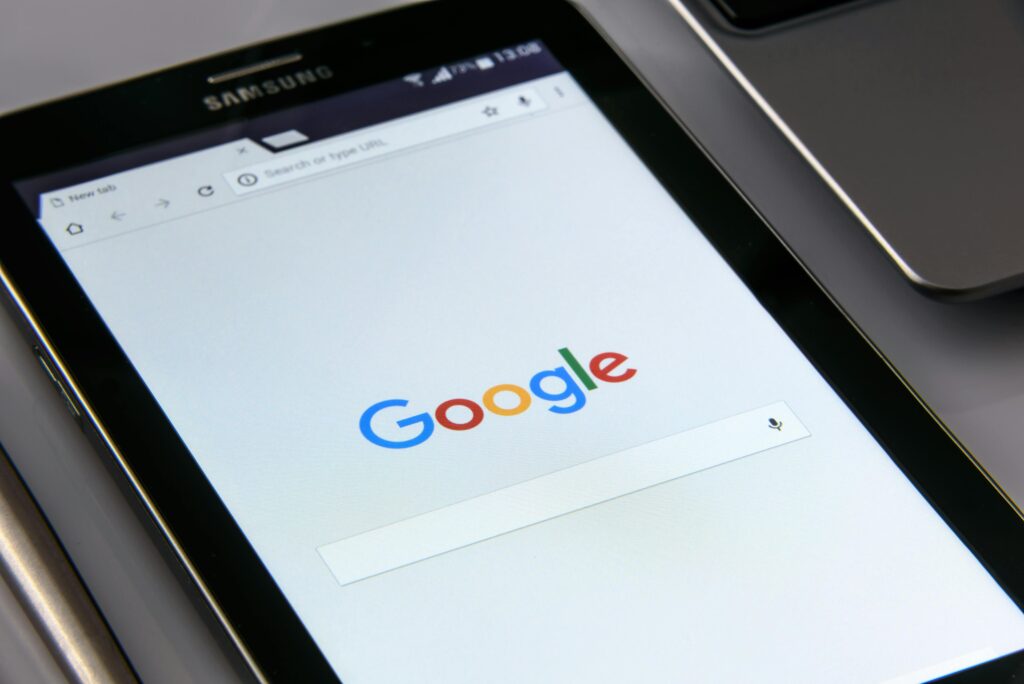
You use the internet to find answers, learn skills, and solve problems. Two major tools now shape how you do this. Google Search and ChatGPT. Both help you find information, but they work in very different ways. One scans the web. The other generates answers using artificial intelligence. This article explains how each tool works, where each one performs best, and how you can use them effectively in daily life.
What Google Search Is
Google Search is a search engine. It scans billions of web pages and shows you links that match your query. You type keywords. Google returns results ranked by relevance, authority, and freshness.
Google does not create answers. It directs you to sources that already exist. These include websites, blogs, forums, videos, and news articles.
Key features of Google Search include
Fast access to live web data
Links to multiple sources
Images, videos, maps, and shopping results
News and real time updates
Advanced filters like date, location, and file type
Google Search relies on indexing. Websites allow Google bots to crawl their pages. Google stores this data and updates it often.
What ChatGPT Is
ChatGPT is an AI language model. It generates responses based on patterns learned from large datasets. You ask a question. ChatGPT writes a direct answer in natural language.

ChatGPT does not browse the web by default. It does not show links unless prompted. It focuses on explaining, summarizing, and creating content.
Key features of ChatGPT include
Direct answers in plain language
Step by step explanations
Content creation like articles and scripts
Code generation and debugging
Conversation based interaction
ChatGPT focuses on understanding intent. It tries to respond the way a human assistant would.
How Google Search Works in Practice
When you search on Google, you often scan several results. You open multiple tabs. You compare sources. This process gives you control, but it takes time.
Example
You search for best gaming laptop in 2026.
Google shows reviews, YouTube videos, ecommerce pages, and forums.
You read multiple opinions before deciding.
This approach works well when you need
Current prices
Product comparisons
Local services
Breaking news
Official sources
Google shines when accuracy depends on fresh data.
How ChatGPT Works in Practice
When you use ChatGPT, you get a single response. The answer is structured and focused. You can ask follow up questions to refine it.
Example
You ask how to choose a gaming laptop for video editing.
ChatGPT explains CPU, GPU, RAM, storage, and display requirements in one response.
This approach works well when you need
Clear explanations
Learning support
Idea generation
Writing help
Technical guidance
ChatGPT saves time by reducing the need to open many pages.
Accuracy and Reliability
Google Search gives you access to original sources. You can verify facts by checking multiple websites. This increases trust when used correctly.
ChatGPT depends on its training data. It may produce outdated or incorrect information. It sounds confident even when wrong. You must double check critical facts.
For tasks like
Medical advice
Legal information
Financial decisions
Google Search with trusted sources is safer.
For tasks like
Drafting content
Understanding concepts
Brainstorming ideas
ChatGPT works well when accuracy is reviewed by you.
Speed and Convenience
ChatGPT often feels faster. You ask once and get a complete answer. This reduces effort.
Google Search can take longer. You filter through ads, SEO content, and unrelated results. However, it gives you more depth and choice.
If speed matters and the topic is stable, ChatGPT helps.
If depth and verification matter, Google Search helps.
Content Creation and Writing
ChatGPT clearly leads in writing tasks.
You can use it to
Write articles
Rewrite content
Create outlines
Generate scripts
Improve grammar and clarity
Google Search cannot write for you. It can only show examples written by others.
For bloggers, marketers, and students, ChatGPT acts like a writing assistant. You still need to edit and fact check, but the first draft comes quickly.
Learning and Education
ChatGPT explains topics step by step. You can ask it to simplify language or give examples. This helps beginners.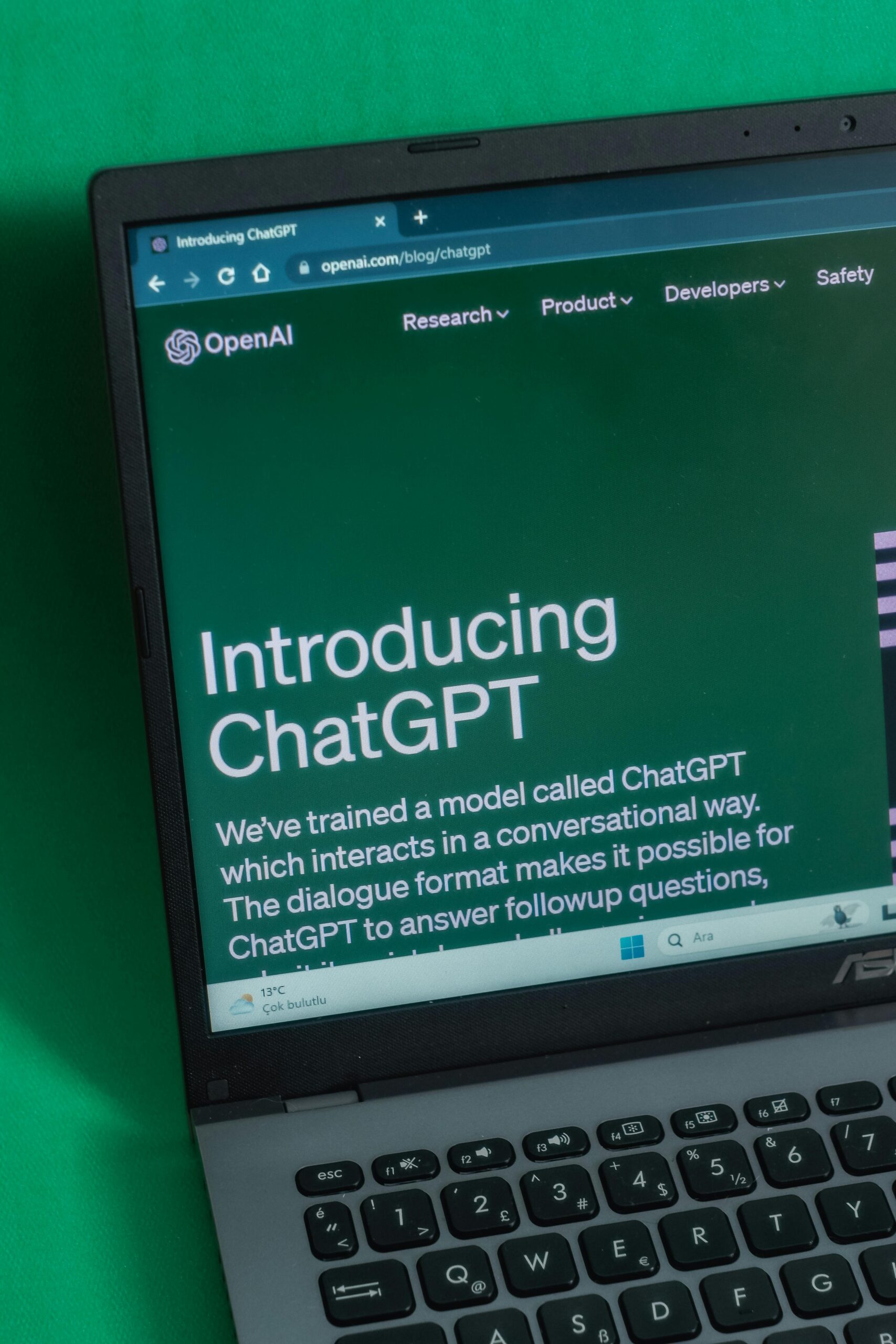
Google Search offers access to courses, documentation, and academic papers. This helps advanced learners.
Example
You want to learn Python.
ChatGPT explains syntax and logic in simple terms.
Google Search provides official docs, tutorials, and community discussions.
Using both together improves learning speed and depth.
Search Intent and User Control
Google requires precise keywords. If your query is vague, results may miss your intent.
ChatGPT understands context better. You can write long questions. You can explain what you want. This feels more natural.
However, Google gives you control over what source you trust. ChatGPT gives you one combined answer.
Control versus convenience is the key difference here.
Advertising and Bias
Google Search includes ads. Sponsored results often appear at the top. SEO tactics also influence rankings. This can affect neutrality.
ChatGPT does not show ads. Its bias comes from training data and safety rules, not commercial placement.
This makes ChatGPT feel cleaner. But it also means you cannot see competing viewpoints unless you ask.
Use Cases Where Google Search Is Better
Finding latest news
Checking live prices
Looking for local businesses
Reading official announcements
Researching with citations
Use Google when freshness and sources matter.
Use Cases Where ChatGPT Is Better
Writing and rewriting content
Explaining complex topics
Creating outlines and plans
Learning new skills
Coding help
Use ChatGPT when clarity and speed matter.
Using Google Search and ChatGPT Together
The smartest approach is not choosing one. It is combining both.
Example workflow
Use ChatGPT to understand a topic fast.
Use Google Search to verify facts and get updates.
Return to ChatGPT to summarize what you learned.
This hybrid method saves time and improves accuracy.
Future Outlook
Google is adding AI summaries to search results. ChatGPT is adding browsing and tools. The gap is shrinking.
Search engines are becoming more conversational. AI assistants are becoming more connected to live data.
In the future, you may see
Fewer blue links
More direct answers
More personalized results
Your role will still matter. You must question, verify, and decide.
Final Thoughts
Google Search and ChatGPT serve different purposes. Google connects you to the web. ChatGPT explains the web to you.
Use Google when you need sources and updates.
Use ChatGPT when you need understanding and creation.
If you use both with intention, you work faster and smarter.